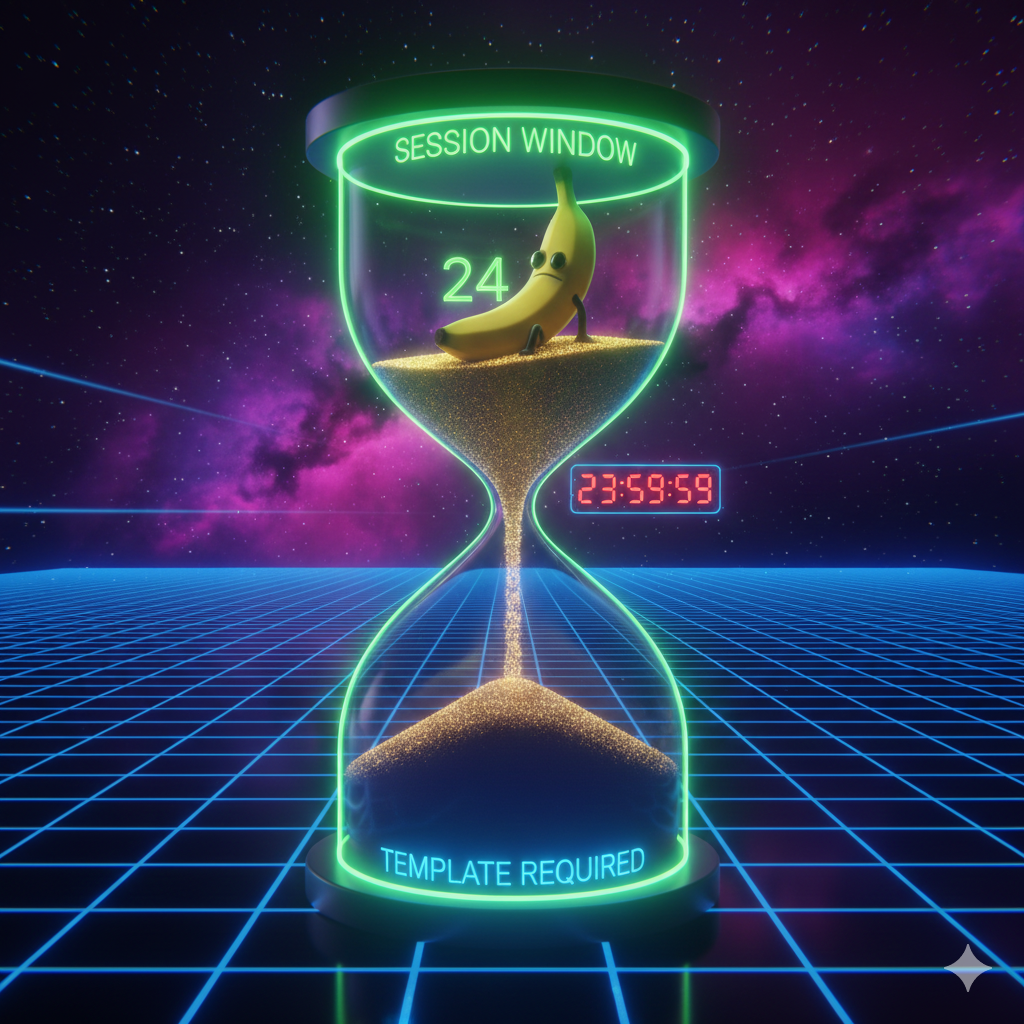
Understanding the 24-Hour Rule & New Pricing: WhatsApp Business API Guide
The rules have changed in the WhatsApp Business API world. The old, simple "Session" concept has been replaced by the more comprehensive "Conversation-Based Pricing" model. In this guide, we explain how to manage the 24-hour window and your costs under the current rules.
Is the 24-Hour Rule Still Valid?
Yes, but it works differently now.
When a user messages your business, a 24-hour "Customer Service Window" opens. During this time, you can send text, images, or files freely without using templates.
However, being able to "write freely" does not mean the conversation is "completely free."
4 Conversation Categories & Pricing
Meta categorizes conversations into 4 types based on intent. Each triggers a 24-hour window with different pricing:
1. Service Conversations
- What is it: Conversations initiated by the user to which the business replies (customer support, inquiries).
- Cost: As of the July 2025 update, user-initiated conversations are free of charge for businesses (previously, the first 1,000 per month were free). Now, without any cap, you can respond to customer messages within 24 hours at no cost.
- Important: Only starts when a user sends a message; businesses cannot initiate these without a user prompt.
2. Marketing
- What is it: Promotions, offers, welcome messages, etc., initiated by the business.
- Cost: This is the most expensive category. You pay for each template message sent (no more 24-hour conversation bundles).
3. Authentication
- What is it: OTP (One-Time Password) messages for verification.
- Cost: Lower than Marketing, generally one of the most affordable categories.
4. Utility (Transactional)
- What is it: Post-transaction notifications like order confirmations, shipping updates, or billing.
- Cost: Cheaper than Marketing, but each message is charged separately.
(Note: If a utility message is sent in response to a user action and within an open service window, Meta may not charge for it.)
Critical Scenario: Category Overlap
A common mistake used to be mixing a Marketing message into an active Service conversation.
Scenario: A user asks, "Where is my order?" (Service conversation opened – free) You reply: "Your package is on the way."
⚠️ MISTAKE: Within the same 24 hours, you decide to also send a Marketing template saying "By the way, there's a 50% off on this item."
Result: The service window remains open for the user's inquiry, but the promotional message you sent is counted as a separate marketing message and will incur a charge. In effect, you've paid for an extra message (and possibly annoyed the customer by mixing support with a promo).
Now that each marketing message is charged individually, sending a promo during a support chat still means an extra cost and a risk of spamming the user.
How the 24-Hour Window Works
When you send a message in one of the business-initiated categories (e.g., a marketing template), it starts a 24-hour conversation window for that category. Under the old model, you could send unlimited follow-ups in that window for one fee. After 2025, each message is charged on its own, so the window concept no longer affects billing for marketing/utility/auth. However, the user-initiated 24h service window is still crucial:
- Each user message opens a 24-hour free response window (Service category) during which you can reply without cost.
- Within this window, you can send messages without needing templates (free form).
- After 24 hours pass with no new user message, you cannot send further free-form messages. To re-engage, you must send an approved Template Message (which will fall under Marketing or Utility and incur a charge).
Example Flow:
- 10:00: Business sends a "Summer Sale" marketing template.
- ➡️ Result: 1 Marketing message charge is incurred. (Previously this would start a 24-hour marketing session; now the session concept is for tracking but billing is per message.)
- 14:00: User replies.
- 14:05: Business responds with a normal text message.
- ➡️ Result: No extra charge (answered within an open service window).
- Next Day 10:01: 24 hours passed, the service window closed. The business can no longer reply for free unless the user messages again.
Cost Reduction Strategies
1. Encourage Inbound Messages
Now that there's no monthly cap on free user-initiated conversations, encourage customers to message you first on WhatsApp. Add a WhatsApp chat button to your website, use QR codes in stores or on packaging, etc., so that conversations start inbound. Handling their queries means you pay nothing for those messages.
Free Entry Points: Notably, if a customer contacts you via a click-to-WhatsApp ad or a WhatsApp button on your Facebook page, you get a 72-hour extended free messaging window. During these 72 hours, any messages you send are not charged.
2. Don't Mix Categories Needlessly
During a customer support (Service) chat, avoid suddenly sending a paid Marketing template unless it's truly necessary. It adds cost and can disrupt the support experience. Save your promotional messages for a separate time or campaign.
3. Align Automation with the 24-Hour Rule
Ensure your bot or CRM checks how long it has been since the user's last message.
- If < 24 hours: Send a normal message (no template needed, free).
- If > 24 hours: You must use a template message to restart the conversation (which will incur a charge).
Where possible, send important follow-ups within the 24-hour window to avoid extra charges.
Frequently Asked Questions
Q: If a user messages me, is it always free if I reply? A: Yes. As of July 2025, responding to user-initiated messages is free for businesses, with no 1,000-per-month limit anymore. Previously only the first 1,000 were free; that cap has been removed.
Q: Can I send "Hello" after 24 hours? A: No. Once the 24-hour window closes, you cannot send free-form messages. You must send an approved Template Message to restart the conversation (which will be charged under the marketing or utility category).
Q: Why are my templates rejected? A: If your template is sales-oriented, it must be categorized as "Marketing." Trying to sell under the "Service" category will lead to rejection or automatic recategorization by Meta.
Summary Table
| Situation | Action | Charging Logic |
|---|---|---|
| Customer asked a question, you replied | Service conversation started (user-initiated) | Free (no charge for responses within 24h) |
| You sent a promo message | Marketing conversation started (business-initiated) | Charged per message |
| You sent an order confirmation | Utility conversation started (business-initiated) | Charged per message |
| During a support chat, you sent a promo template | Category Overlap (Service + Marketing) | Service messages free; the promo message incurs a charge |
Managing WhatsApp API costs requires understanding proper categorization and the 24-hour rule. Follow the latest Meta documentation to design the best strategy for your business.